SolidFire backup-to-S3 with Backblaze
I've written a dozen posts about SolidFire's "backup to S3", so I'll just skip all that and focus on Backblaze.
To test if SolidFire's backup to S3 feature can work with Backblaze, I create a new bucket solidfire-backup (bucket name must be unique service-wide, so pick another name!).
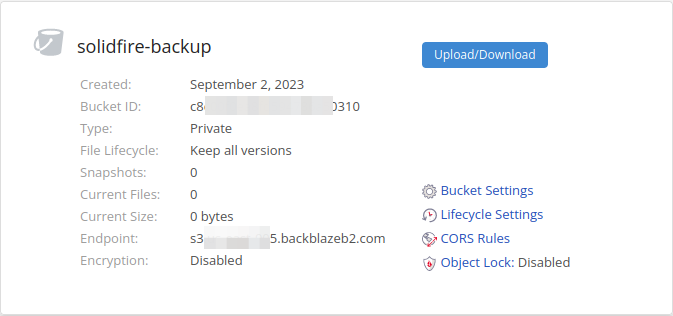
I didn't use any special bucket settings.
I've blogged about Object Lock with SolidFire's Backup to S3 before - I think it can be used, but you need to come up with a plan that is suitable for your needs.
Create the keys and you may limit the keys to have access only to your backup bucket.
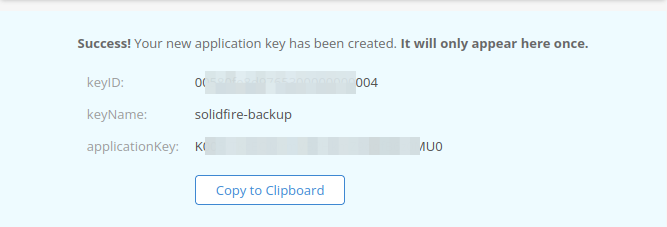
You could have another bucket and another set of keys in another region, so that you can run another backup schedule for additional protection.
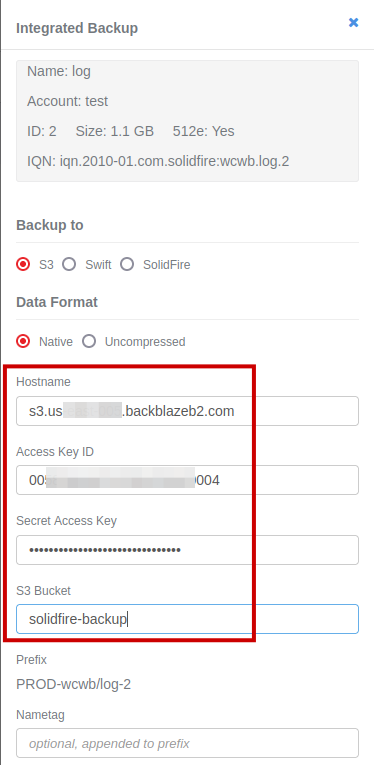
Now pick a volume fill in S3 API endpoint (it works without https:// or :443) for the bucket, bucket name and credentials and you're good to go.
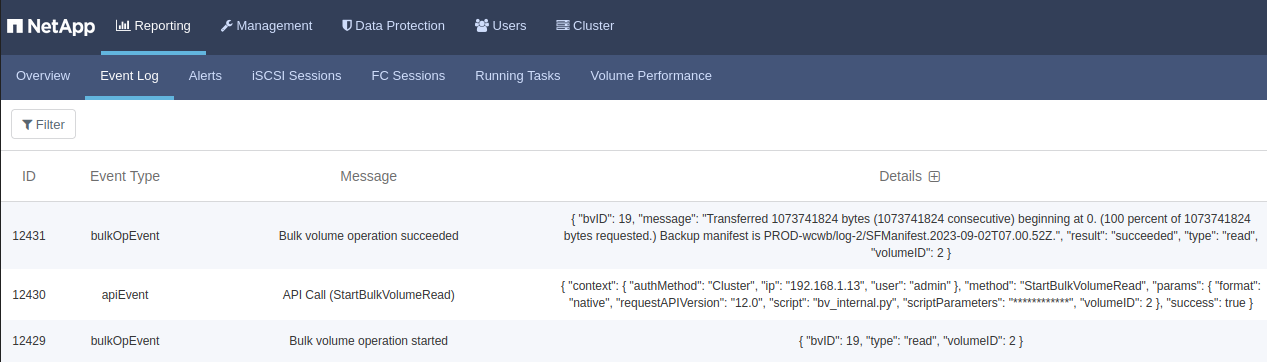
Backup of volume "log" was successful:
solidfire-backup is now no longer empty:
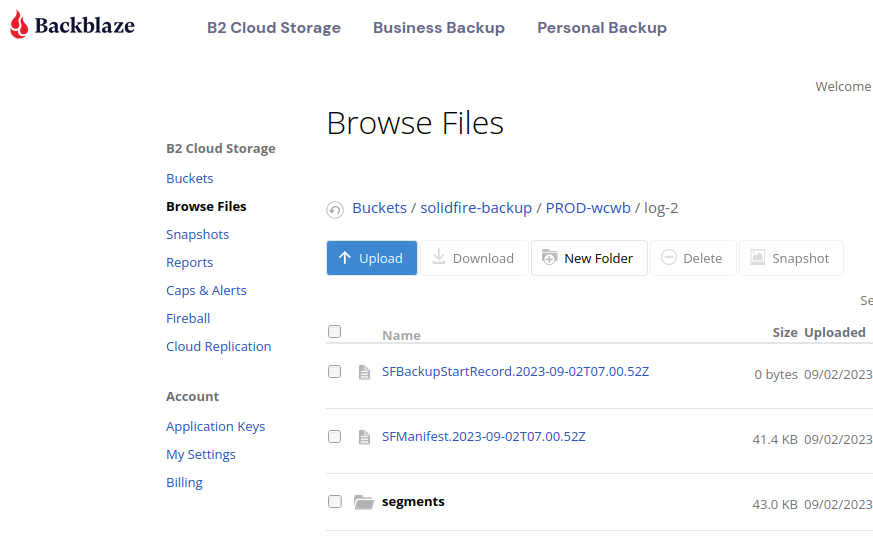
The volume I backed up was a 1GiB empty volume and because I used Native data format (which compresses and deduplicates) backup data in the bucket is <100 kB.
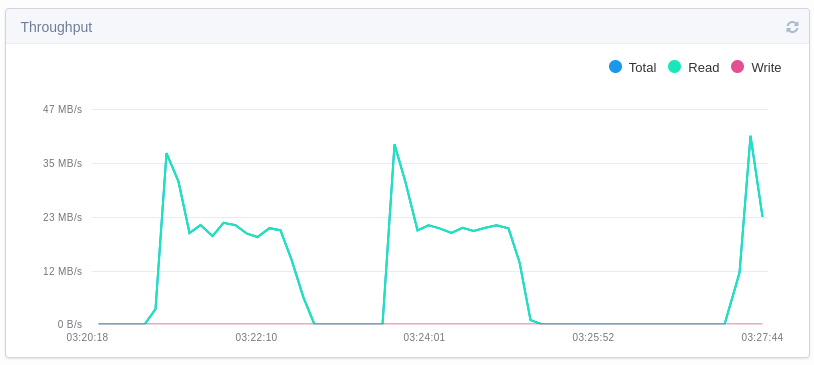
Because I use a SolidFire Demo VM at home, reads are usually storage-constrained. I was able to backup at 20+ MB/s (Max IOPS-constrained; you can see that Burst is higher but lasts a short time).
Restore-related notes
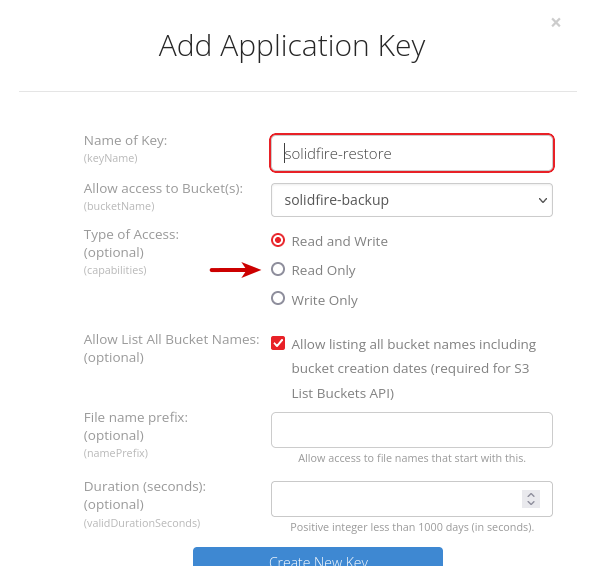
We can use a dedicated read-only pair of keys for restore. This is to prevent deletion as well as tampering with backup images.
Earlier I mentioned "pairing" of pre-created empty volumes and volume IDs with what we have in our backup bucket.
As I restore PROD-wcwb/log-2 (ClusterName - ClusterUuid / VolumeName - VolumeID) to new volume PROD-wcwb/test-25, I need to override the default path in the bucket to another volume.
- PROD-wcwb/log-2 => PROD-wcwb/test-25
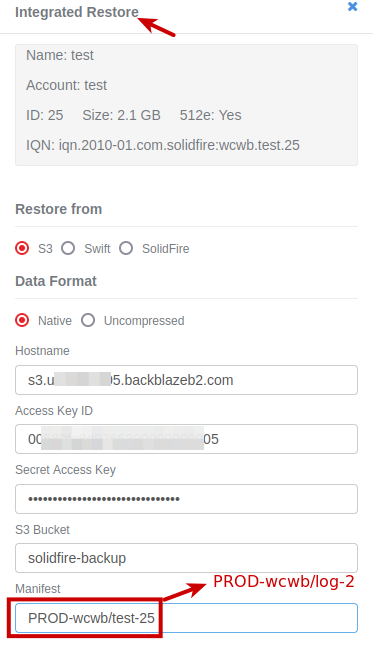
If restore destination (cluster) was different, I would have changed that part (PROD-wcwb) as well. Restore was successful.
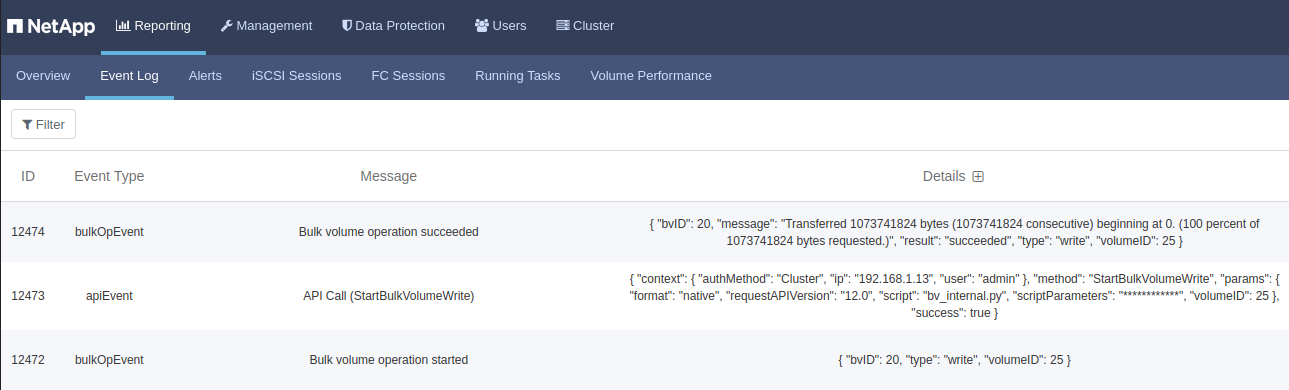
Here we can see the both volumes. Notice that the second volume is larger, so we know a backup of a smaller volume can be restored to a larger volume size.
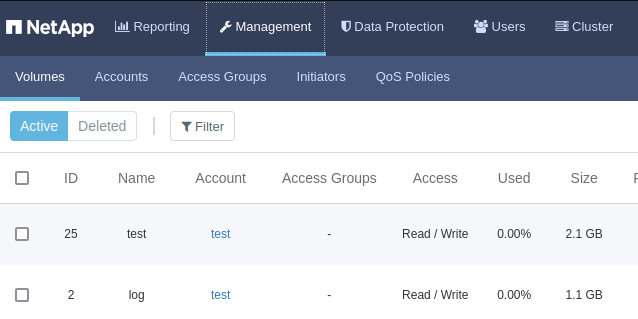
That shows that it's possible to create 10 16TiB volumes and use them to restore arbitrarily sized SolidFire volume backups (up to SolidFire maximum which is 16TiB).
Is Backblaze supported?
There's no official compatibility list for S3-compatible services. If it works, it works.
Backblaze's S3 API compatibility isn't super-high, so I was a bit worried (that I'd waste time), but it worked very nicely: I backed up 10 volumes (1GB of data, 75% full, ~3X global efficiency, 2x in-volume efficiency) and restored them. All 20 jobs successfully completed.
If you test it yourself, I'd recommend to create the largest SolidFire volume you plan to backup to Backblaze, fill it up to 90%, and then try to both backup and restore. Why?
Because some services may have obscure limitations that may not be readily visible.
For example, earlier today I found one S3 service (not Backblaze) where the maximum number of objects per bucket is limited to a very low figure. In fact it's so low that you'd have to have very small SolidFire volumes, and use one bucket per each volume! (To make this worse, SolidFire's backup-to-S3 always works with 4 MiB source volume chunks, so it can create thousands of objects per backed up volume, which is not good cost-wise if you're charged for each S3 API call.)
So far I've tried SolidFire's Backup to S3 with StorageGRID, ONTAP S3, MinIO (there was/is a bug in MinIO's S3 APIs, it was worked around in one of SolidFire v12 updates), Wasabi, and Backblaze.